
Eufy Robot Vacuum Omni E25 – 20,000 Pa Robot Vacuum and Mop with Self-Cleaning Station
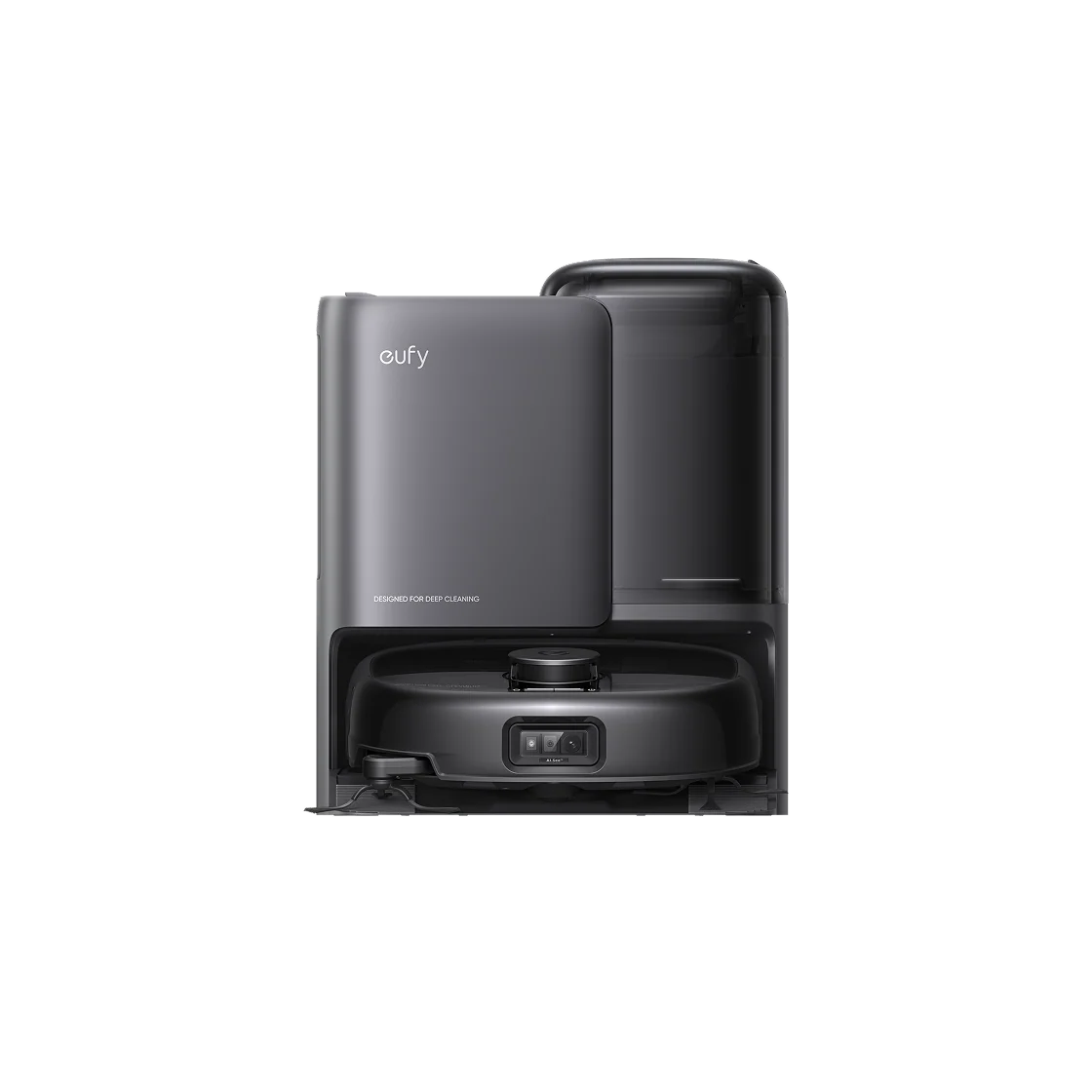
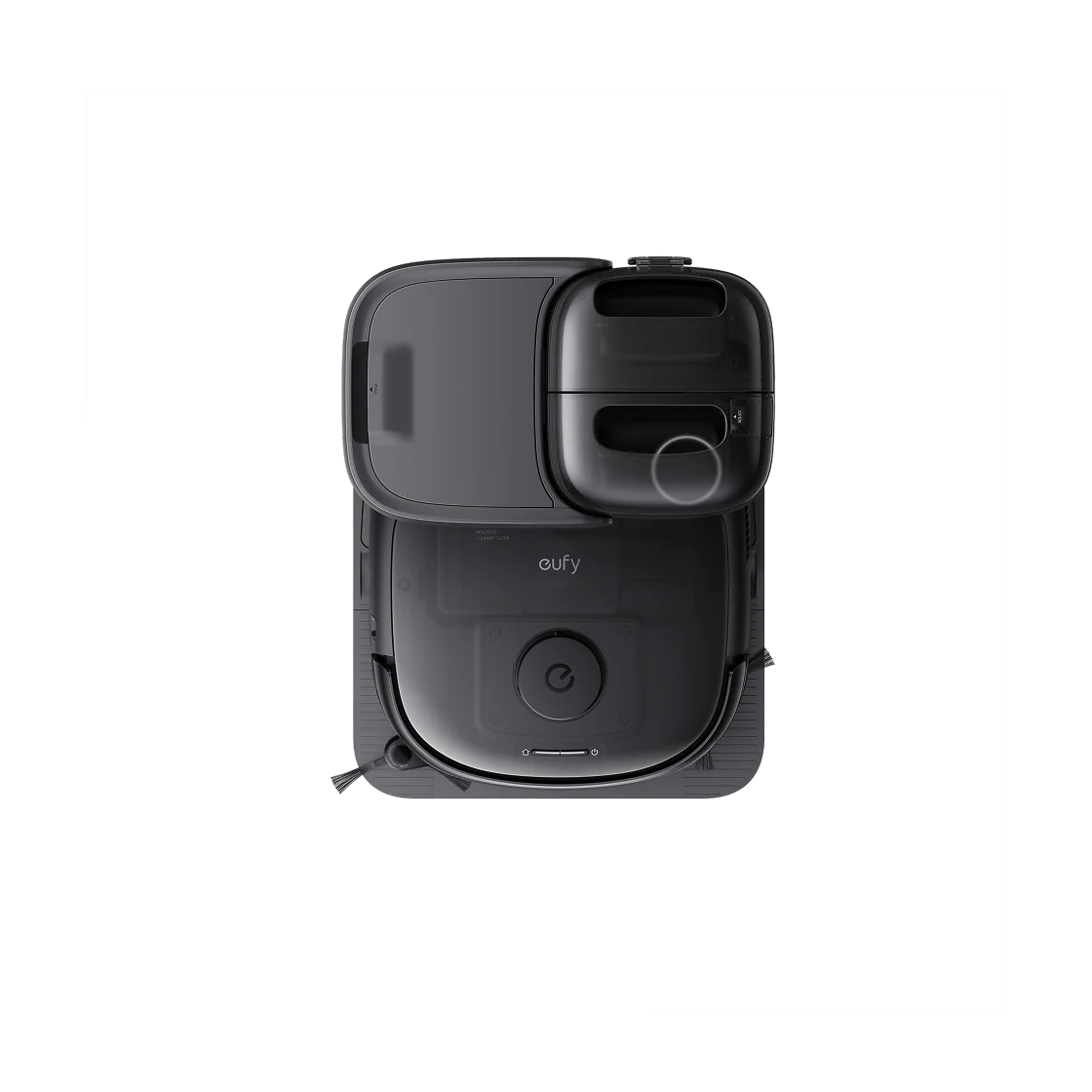
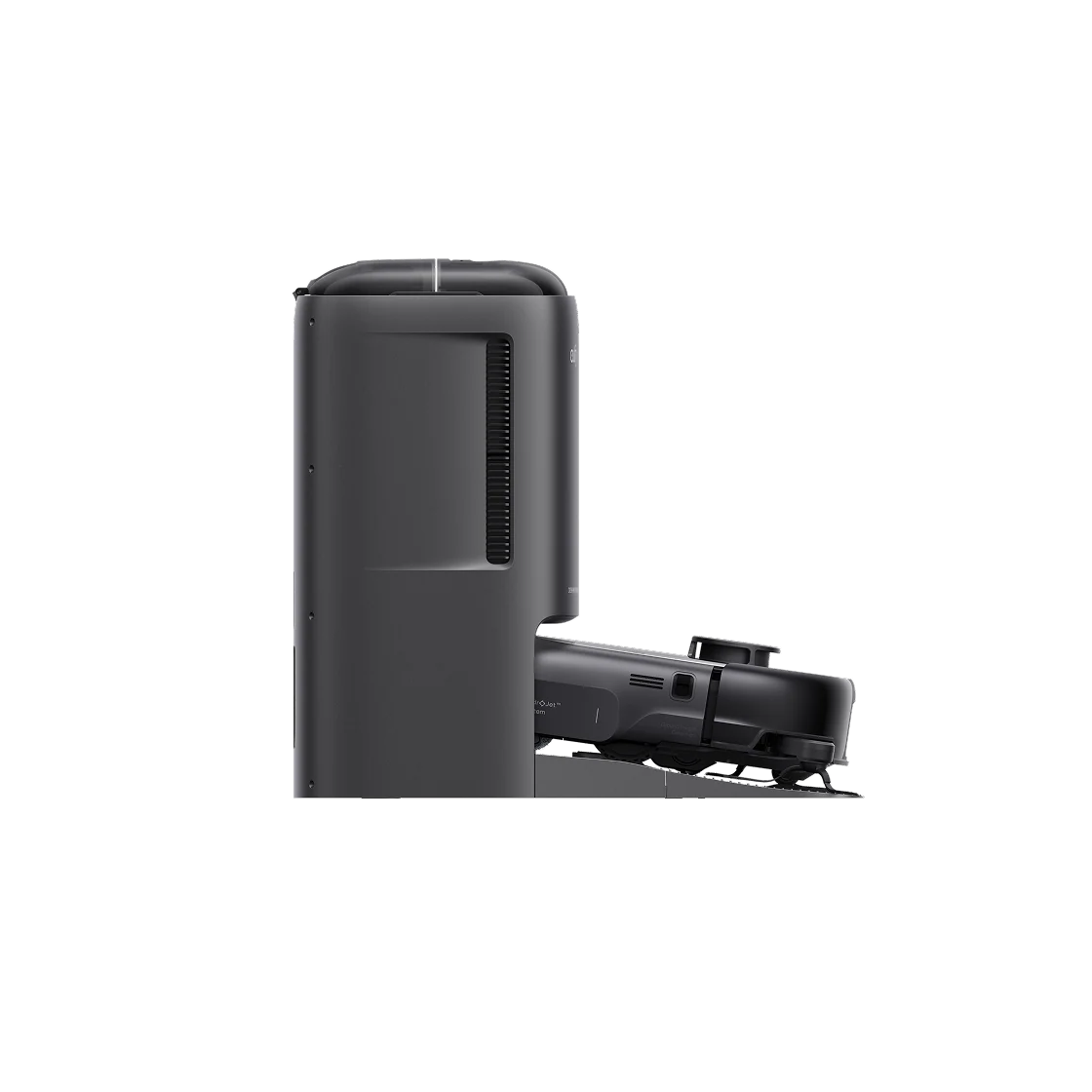
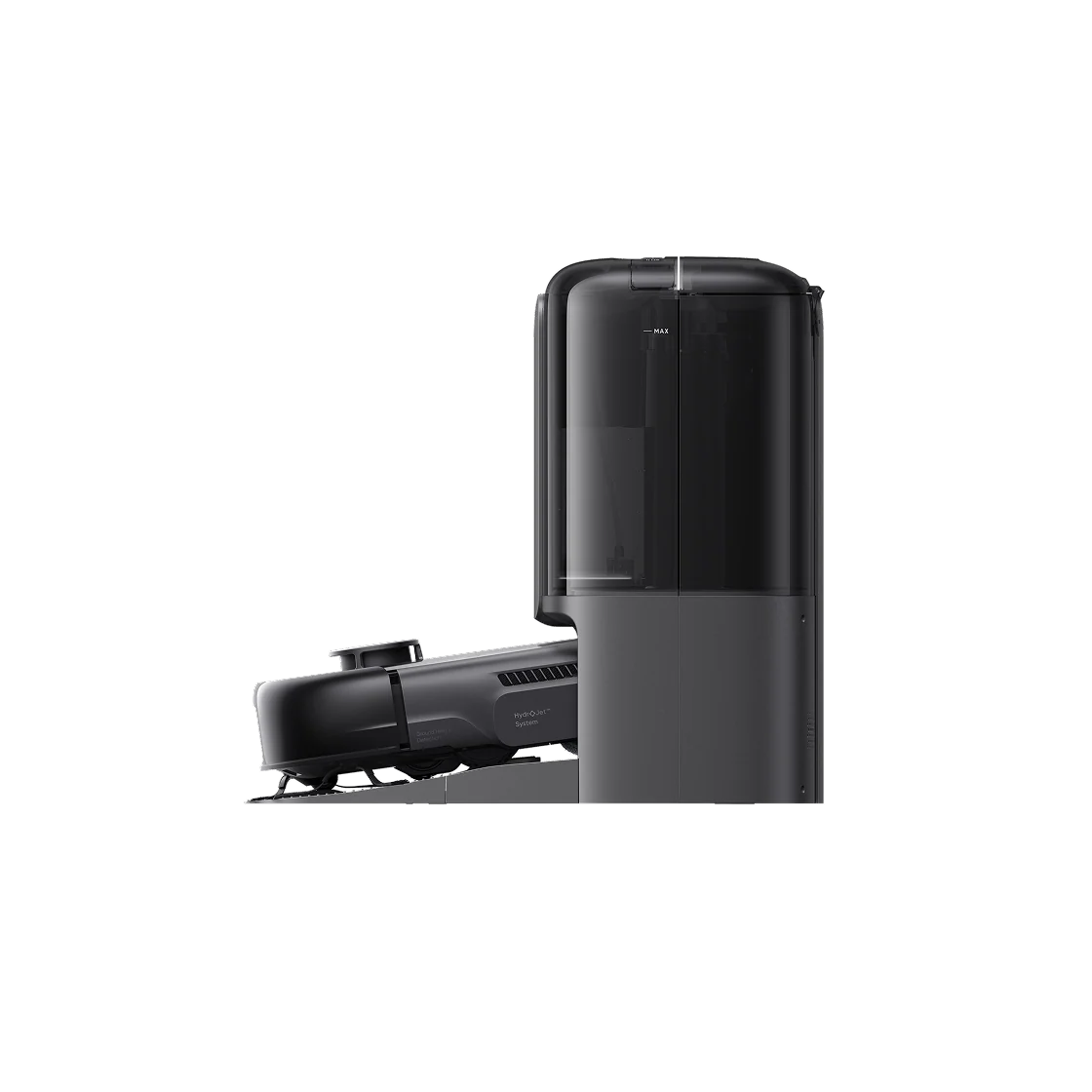
The Eufy Robot Vacuum Omni E25 is an advanced robot vacuum and mop designed to simplify everyday home cleaning. With powerful 20,000 Pa suction, HydroJet™ self-cleaning roller mopping, and DuoSpiral™ anti-tangle brushes, it helps remove dust, dirt, debris, and pet hair from a variety of floor surfaces. Its all-in-one Omni Station automatically empties collected dust, washes and dries the mop, refills clean water, and collects dirty water. Smart navigation, obstacle avoidance, app controls, and scheduled cleaning make maintaining clean floors more convenient.
Key Features
- 20,000 Pa suction power: Helps remove dust, dirt, debris, and pet hair from hard floors and carpets.
- HydroJet™ mopping system: Continuously cleans the roller mop during operation to help maintain effective mopping performance.
- DuoSpiral™ anti-tangle brushes: Designed to reduce hair tangling and simplify brush maintenance.
- CornerRover™ edge cleaning: Extends cleaning reach along edges and around corners.
- All-in-one Omni Station: Automates dust collection, mop washing, hot-air drying, water refilling, and dirty-water collection.
- Automatic detergent dispensing: Supported on compatible station configurations.
- Smart obstacle avoidance: Uses a camera and LED lighting to detect and navigate around household objects.
- Smart mapping and navigation: Maps your home and supports room-specific and zone cleaning.
- App control: Manage cleaning modes, schedules, and selected cleaning areas through the compatible eufy Clean app.
- Carpet detection: Helps the robot adjust its cleaning behavior around carpeted areas.
- Custom cleaning zones: Configure No-Go Zones and No-Mop Zones through the app.
- Voice assistant compatibility: Supports compatible smart-home voice control.
- Recharge and resume: Allows supported cleaning tasks to continue after the robot recharges.
Technical Specifications
- Brand: Eufy
- Product name: Robot Vacuum Omni E25
- Model: T2353 series
- Product type: Robotic vacuum cleaner and mop
- Maximum suction power: 20,000 Pa
- Mopping technology: HydroJet™ roller mop
- Brush system: DuoSpiral™ anti-tangle brushes
- Edge-cleaning technology: CornerRover™ arm
- Obstacle detection: RGB camera and LED lighting
- Robot dimensions: Approximately 346 × 327 × 111 mm
- Robot weight: Approximately 5.2 kg
- Battery: 5,200 mAh lithium-ion
- Robot clean-water tank: 120 ml
- Robot dirty-water tank: 180 ml
- Charging time: Approximately 3.5 hours
- Omni Station dimensions: Approximately 369 × 461 × 436 mm
- Omni Station clean-water tank: 2.5 litres
- Omni Station dirty-water tank: 1.8 litres
- Dust bag capacity: 3 litres
- Connectivity: Wi-Fi and Bluetooth
- Control method: On-device controls and compatible mobile app
- Cleaning modes: Vacuuming, mopping, and combined vacuum-and-mop cleaning
- Colour: Confirm the colour of the item being sold
- Power supply: Depends on the regional model
- Warranty: Confirm the warranty provided by your store or regional distributor
How to Use the Eufy Robot Vacuum Omni E25
- Set up the Omni Station: Position the station on a stable, level surface near a suitable power outlet. Install the detachable base and connect the power cable.
- Prepare the robot: Place the robot on the station and allow it to charge.
- Install the app: Download the compatible eufy Clean app and follow the instructions to pair the robot with your phone.
- Connect to Wi-Fi: Follow the app’s setup instructions and check the supported Wi-Fi requirements for your regional model.
- Prepare the room: Remove loose cables, small objects, and other items that may obstruct cleaning. Secure loose rugs where necessary.
- Create a map: Start the initial mapping process according to the app instructions. Set up rooms, cleaning zones, and restricted areas as needed.
- Choose a cleaning mode: Select vacuum-only, mop-only where supported, or combined vacuum-and-mop cleaning. Adjust suction and water settings as appropriate.
- Start cleaning: Begin cleaning from the app or using the robot’s controls. You can schedule cleaning sessions and select specific rooms where supported.
- Allow automatic station functions: After cleaning, the robot can return to the Omni Station for supported automatic dust collection, mop washing, drying, and water management.
- Perform regular maintenance: Empty and rinse the dirty-water tank, refill the clean-water tank, check the dust bag, and clean brushes, sensors, and the station according to the user manual.
Safety Warnings and Precautions
- Read the manufacturer’s user guide before operating the product.
- Use the correct power supply for your regional model. Do not connect a station to an incompatible voltage.
- Keep the robot and charging station away from standing water and do not immerse electrical components in water.
- Keep fingers, hair, loose clothing, and pets away from moving brushes and wheels during operation and maintenance.
- Remove cables, small objects, and potential entanglement hazards from the floor before cleaning.
- Use the recommended floor-cleaning solution and follow the manufacturer’s dilution and filling instructions. Do not add unapproved chemicals to the water tanks.
- Do not use the robot to collect hot ashes, burning materials, flammable liquids, or hazardous substances.
- Keep children and pets supervised around the appliance. Use the child safety lock where appropriate.
- Set restricted zones around stairs, unsafe areas, and locations the robot cannot navigate safely.
- Avoid placing the station where it can become wet or where its ventilation may be obstructed.
- Allow hot-air drying to finish safely and avoid touching hot components during or immediately after operation.
- Switch off or disconnect the equipment as instructed before performing maintenance.
- Clean sensors and cameras regularly to help maintain navigation and obstacle detection performance.
- Inspect the appliance, cable, and station for damage. Stop using the product if damage or abnormal operation occurs.
- Keep packaging materials and small accessories away from young children.
Package Contents
Confirm the contents of your actual product package before publishing. The standard package may include:
- Eufy Robot Vacuum Omni E25
- Omni Station
- Detachable station base
- Power cable
- Floor-cleaning solution
- Quick Start Guide
- Safety documentation
Product Care and Maintenance
For reliable performance, clean the brushes and sensors regularly, empty the dirty-water tank, refill the clean-water tank, and replace the dust bag and filters when required. Inspect the mop roller and cleaning tray for accumulated dirt. Follow the official user guide for cleaning intervals, compatible consumables, and replacement procedures.
Frequently Asked Questions
Can the Eufy Omni E25 vacuum and mop?
Yes. It supports vacuuming, mopping, and combined vacuum-and-mop cleaning.
Does it empty its own dustbin?
Yes. The Omni Station supports automatic dust collection into a disposable dust bag.
Does it clean its mop automatically?
Yes. The HydroJet™ system and Omni Station provide automated mop cleaning, with station-based drying and water management.
Can I schedule cleaning?
Yes. Compatible app features allow you to schedule cleaning and select rooms or zones.
Is it suitable for homes with pets?
Its strong suction and anti-tangle brush design can help collect pet hair. Regular brush maintenance is still recommended.
Does it avoid obstacles?
It uses camera-based obstacle detection and LED lighting to help identify and navigate around objects. Performance depends on the environment and the objects encountered.
Does it require maintenance?
Yes. Regular tank cleaning, brush inspection, sensor cleaning, and consumable replacement are necessary.


